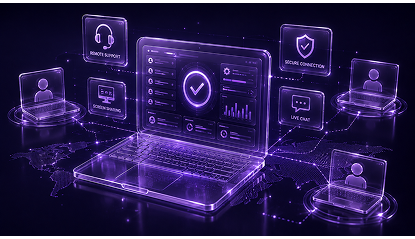
Connect to computers, manage devices, transfer files, and provide instant remote support with OOJACK—your secure remote desktop solution for work and IT support.
Trusted by Thousands of Companies Across the World
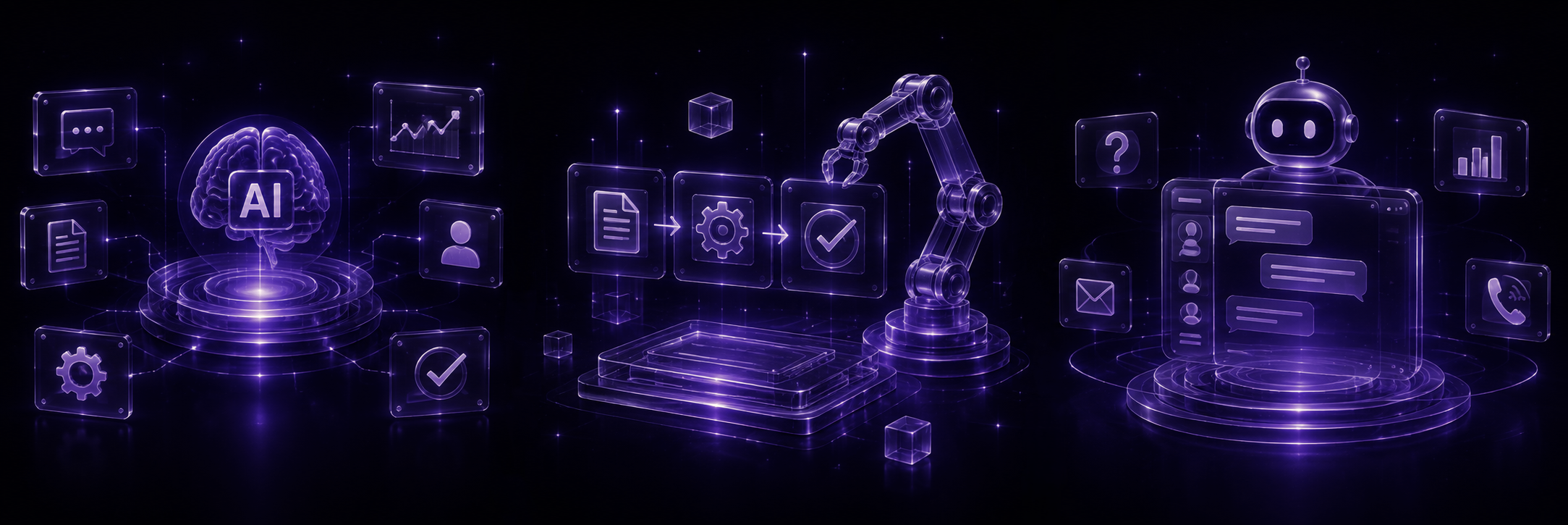
Automate routine tasks, identify issues before they become problems and give technicians smart recommendations.
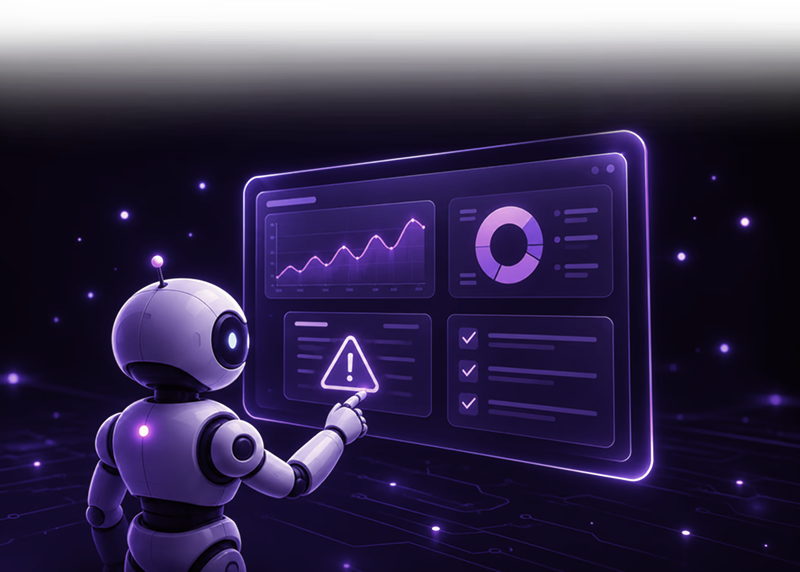
Offer quick, safe, encrypted remote support to customers and staff worldwide.
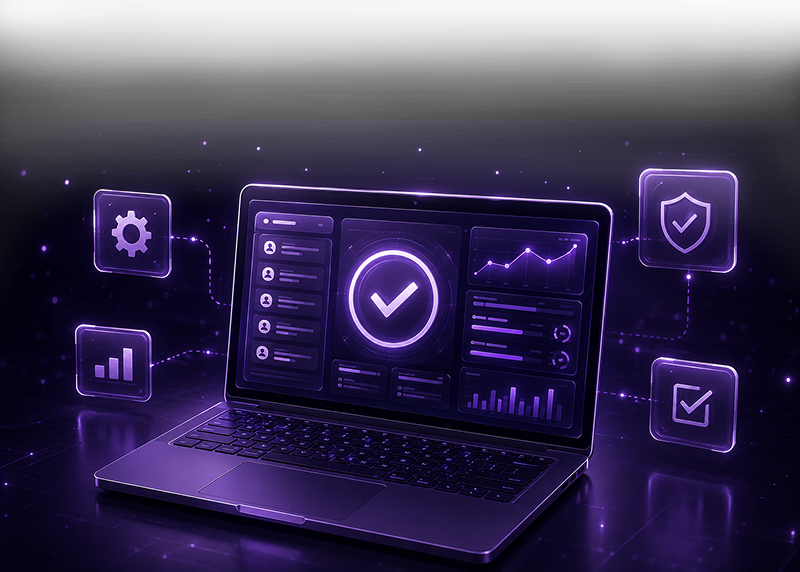
Contral Windows, macOS, Linux, Android and IOS devices from a single dashboard.
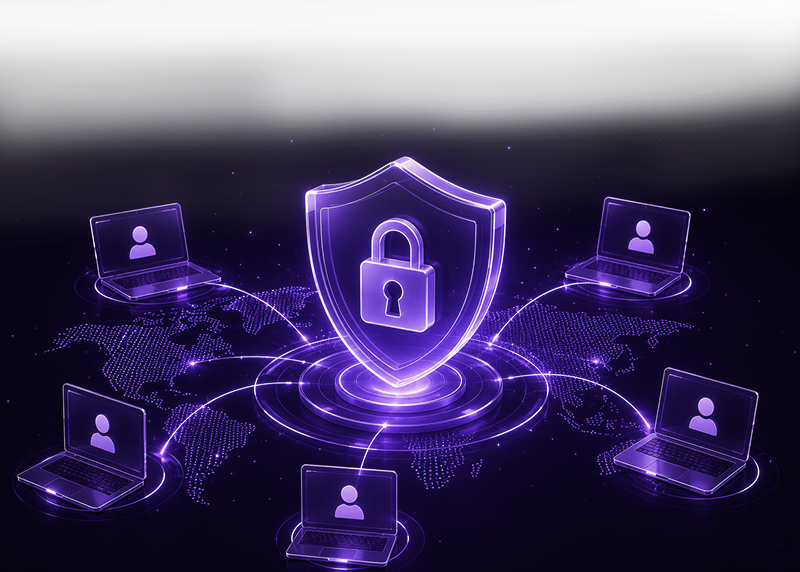

Deliver instant enterprise-grade remote support for your employees and customers.

Connect securely, fast and reliably to any device from anywhere.

Connect securely, fast and reliably to any device from anywhere, while delivering instant enterprise-grade remote support for your employees and customers.

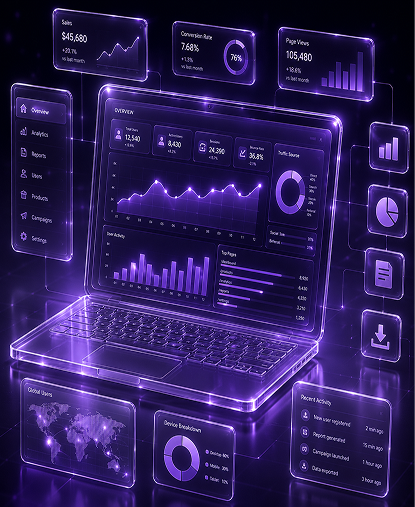
Gain complete visibility into your hardware, software licenses, and device lifecycle with real-time insights to system health, technician productivity, compliance, and operational performance.
Be sure your organization is protected by a remote support solution that adapts to the evolving threat landscape.
Best for startups that want clarity, speed, and automation.
$0/mo
per workspace
Try free for 14 daysBest for startups that want clarity, speed, and automation.
$39/mo
per workspace
Try free for 14 daysBest for startups that want clarity, speed, and automation.
$119/mo
per workspace
Try free for 14 days01
Deploy the lightweight Oojack application on the agent's workstation to enable secure remote connectivity.
02
Sign in to your Oojack account to access your remote support workspace and assigned devices.
03
Enter the customer's unique session code to send a secure remote access request.
04
Once the customer grants permission, a secure encrypted remote session is established instantly.
SCROLL TO EXPLORE
“OOJACK has transformed our remote support workflow. Secure connections and fast access help us resolve issues in minutes.”
Ethan Caldwell
IT Support Team
“Fast, reliable, and incredibly easy to use. OOJACK makes remote support feel completely seamless.”
Mia Thornton
Technology Solutions
“With OOJACK, our technicians can securely access customer devices and solve problems without unnecessary delays.”
Noah Whitmore
Managed IT Services
“The setup is simple, the connection is reliable, and our team can provide remote assistance from anywhere.”
Ava Kensington
IT Operations
“OOJACK has transformed our remote support workflow. Secure connections and fast access help us resolve issues in minutes.”
Ethan Caldwell
IT Support Team
“Fast, reliable, and incredibly easy to use. OOJACK makes remote support feel completely seamless.”
Mia Thornton
Technology Solutions
“With OOJACK, our technicians can securely access customer devices and solve problems without unnecessary delays.”
Noah Whitmore
Managed IT Services
“The setup is simple, the connection is reliable, and our team can provide remote assistance from anywhere.”
Ava Kensington
IT Operations
“OOJACK has made customer support much faster. We can connect, troubleshoot, and resolve issues without complicated steps.”
Liam Prescott
Customer Support
“The secure remote access gives our team confidence while supporting customers. It's become an important part of our workflow.”
Isla Harrington
IT Consulting
“Our team was up and running quickly. OOJACK provides everything we need for smooth and reliable remote sessions.”
Oliver Westbrook
Technical Support
“OOJACK has helped us cut down resolution time and provide better technical support to customers wherever they are.”
Ella Whitfield
Business Technology
“A clean and dependable remote support experience. OOJACK makes connecting with customers simple and secure.”
Henry Ashford
Remote IT Services
“OOJACK has made customer support much faster. We can connect, troubleshoot, and resolve issues without complicated steps.”
Liam Prescott
Customer Support
“The secure remote access gives our team confidence while supporting customers. It's become an important part of our workflow.”
Isla Harrington
IT Consulting
“Our team was up and running quickly. OOJACK provides everything we need for smooth and reliable remote sessions.”
Oliver Westbrook
Technical Support
“OOJACK has helped us cut down resolution time and provide better technical support to customers wherever they are.”
Ella Whitfield
Business Technology
“A clean and dependable remote support experience. OOJACK makes connecting with customers simple and secure.”
Henry Ashford
Remote IT Services
OOJACK can be used for remote IT support, accessing your work computer, troubleshooting, remote collaboration, file access, and managing computers from anywhere.
Yes. OOJACK allows you to connect to and control your computer remotely, making it easy to access your files, applications, and desktop when you're away.
OOJACK is designed with security in mind to help protect remote connections and user data. Security features may vary depending on your plan and configuration.
Yes. Support teams can use OOJACK to remotely connect to a customer's computer, diagnose issues, troubleshoot problems, and provide assistance.
OOJACK supports the platforms and devices provided in its current product offering. Check the official system requirements before installation.